Enquiry
 Call
Call Whatsapp
 Contact us
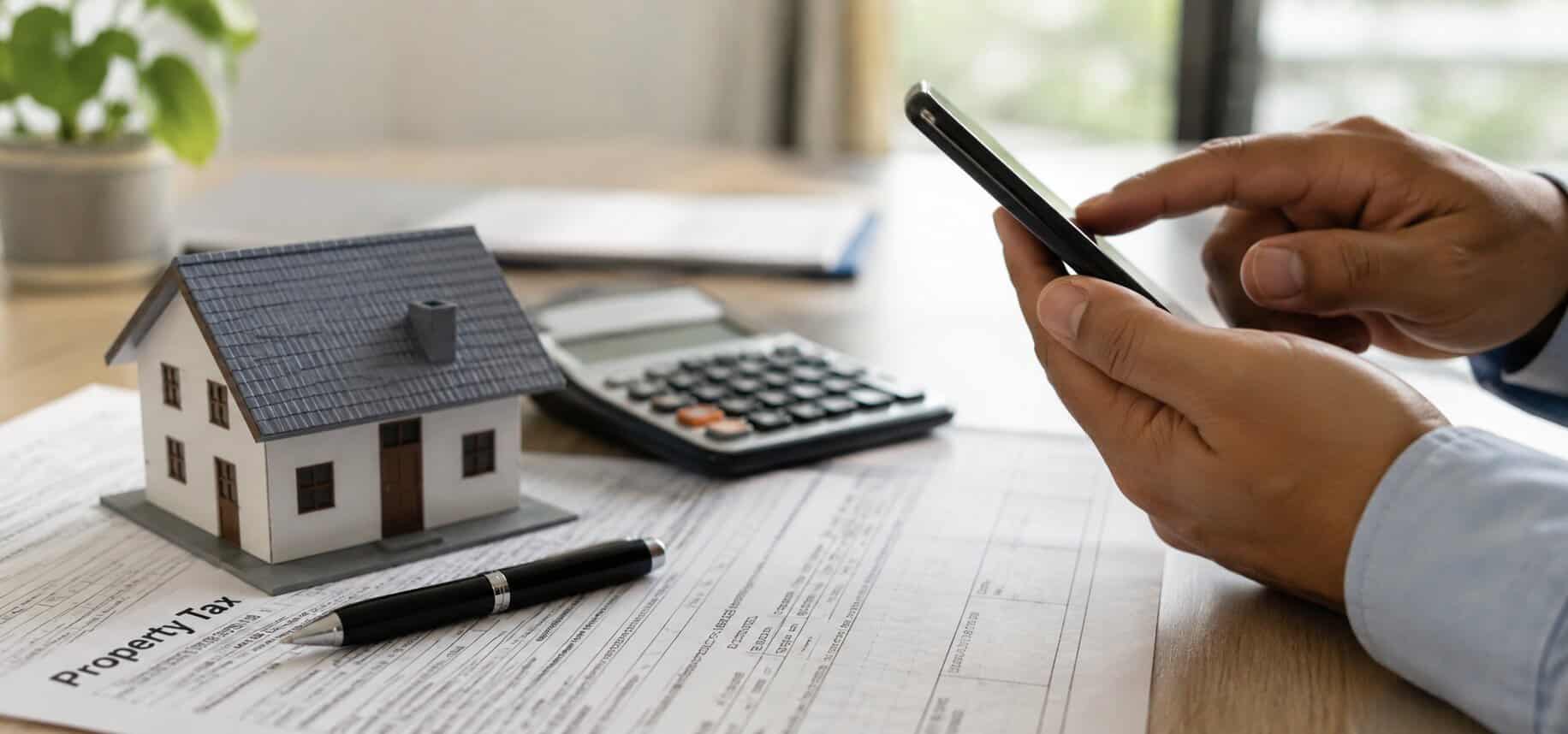
Jaipur homeowners often search for property tax, house tax, and Urban Development Tax as though each term describes a different charge. In practice, the Rajasthan Municipal portal uses Urban Development Tax, or UD Tax, for the municipal property tax service. Because the portal also handles property searches, dues, payments, and objections, it gives homeowners one place to review their tax record. This guide explains how to calculate property tax in Jaipur, complete a property tax online payment, and check the record before paying.
What Is Property Tax in Jaipur?
Property tax supports local municipal services and applies according to the details that the urban local body maintains. Homeowners often use the phrase house tax Jaipur, while the official state portal displays UD Tax.
The amount does not follow one fixed citywide rate. Instead, the calculation considers the property type, taxable area, applicable residential DLC rate, actual use, exemptions, and earlier dues. So, review the property entry before paying.
How to Calculate Property Tax in Jaipur
The Rajasthan Government notification gives separate base calculations for independent residential properties and flats in multi-storey buildings. It also links the assessment to the applicable DLC rate and the property’s actual use.
Calculation for an Independent Residential Property
For an independent residential house or plot, the published formula uses the land area. The notification expresses the base calculation as:
Plot area in square yards × applicable residential DLC rate ÷ 2,000
The municipal record must show the correct plot area. If the owner has divided, combined, or extended the property, the record may need an update before the calculation reflects the property correctly.
Calculation for a Flat
For a flat in a multi-storey building, the published formula uses the built-up floor area. The notification expresses the base calculation as:
Built-up floor area in square yards × applicable residential DLC rate ÷ 2,000
That means the calculation focuses on built-up floor area rather than the total land area of the apartment project. Before paying, compare the area on the portal with the sale deed, allotment document, or another ownership record.
What Can Change the Final Amount?
The base formula may not match the amount at checkout because the portal can include arrears, adjustments, or a different recorded use. For example, commercial or mixed use can affect the assessment.
The DLC rate, exemption status, objection decision, or corrected property record may also change the amount. Use the formula to understand the assessment, but confirm the payable figure through the current official record.
Do All Residential Properties Pay Jaipur Property Tax?
Rajasthan has published exemption categories for certain residential properties that depend on property type, area, and use. The state has also issued amendments to earlier exemption notifications, so homeowners should not assume that an old threshold applies to every current case.
Search for the property on the official portal first. If the portal shows no tax due, check the property details and current eligibility. When the record looks unclear, use the objection process or contact the municipal authority.
What Do You Need Before Paying Online?
The Rajasthan Municipal property search accepts a service number, acknowledgement number, registered mobile number, or owner name after you select the relevant urban local body. Keep the sale deed, allotment letter, property address, and earlier tax receipt nearby.
These documents help you compare the owner name, address, area, and payment history before continuing. They also give you supporting information if the municipal record contains an error.
How to Make a Property Tax Online Payment in Jaipur
The official portal provides services to pay UD Tax, search for property records, view dues, and review payment details. Follow these steps for a Jaipur property tax online payment:
- Open the Rajasthan Municipal portal or enter through the Urban Development Tax option on the Jaipur Municipal Corporation website.
- Select Pay UD Tax or Search Property.
- Choose the urban local body that covers the property.
- Search with the service number, acknowledgement number, mobile number, or owner name.
- Open the matching property record.
- Check the owner name, address, area, property use, current demand, and arrears.
- Continue through the available payment gateway./li>
- Confirm the transaction only after checking the property and amount.
- Save the receipt and transaction reference.
Because portal labels can change, follow the jurisdiction name that the current portal shows rather than relying on an older screenshot. This helps you avoid choosing a former label that no longer matches the current property record.
Can You Pay Without a Service Number?
Yes. The search page accepts an acknowledgement number, registered mobile number, or owner name. Since an owner-name search may return several records, compare the complete address and property details before choosing one.
Why Should You Keep the Receipt?
The receipt proves that you paid against a specific property record and period. Keep a digital copy and a backup because you may need it during a sale, loan application, correction request, or payment dispute.
If your bank records a debit but the portal does not confirm payment, keep the bank reference. Then verify the transaction through the payment-details service before attempting another payment.
What Should You Check Before Paying?
A quick review can prevent payment against the wrong property or an incorrect assessment. Check:
- Owner name and property address
- Plot area or built-up floor area
- Residential, commercial, or mixed use
- Current demand and arrears
- Payment period
- Penalty, rebate, or adjustment
- Previous payment history
Temporary rebates and penalty waivers may apply only during a stated period. As a result, check the latest official notice rather than relying on an older article or saved message.
What if the Property Record Contains an Error?
Do not ignore a major mismatch in the owner name, address, area, property use, or dues. First, collect the sale deed, allotment document, identity proof, earlier receipts, and any record that supports the correction.
The portal provides an Apply Aapatti option for objections and a UD Tax self-assessment service. When the online route does not resolve the issue, contact the relevant municipal office and retain copies of every submission.
A mismatch may also require an update to the ownership documents. Yaduraj Realty’s guide on changing a name in property documents explains that broader process.
Property Tax and JDA Charges Are Different
Jaipur Development Authority approval and municipal property tax serve different purposes. JDA handles planning, development approval, pattas, and related property services, while the municipal authority manages UD Tax.
So, paying property tax does not settle every JDA lease, patta, development, or approval-related charge. In the same way, JDA approval does not remove municipal tax responsibilities. Read Yaduraj Realty’s guide to JDA-approved projects in Jaipur for more context on planning approval.
Final Points for Jaipur Homeowners
Understanding how to calculate property tax in Jaipur starts with the correct property record. Check the area, use, demand, arrears, and current exemption status before paying.
Once the details match, complete the property tax online payment through the official portal and save the receipt. If something looks wrong, raise an objection first so that an incorrect entry does not affect future transactions.